Warehouse
Getting the right cases out of the building and knowing what is left. Picking, delivery routes and stock.
Pick
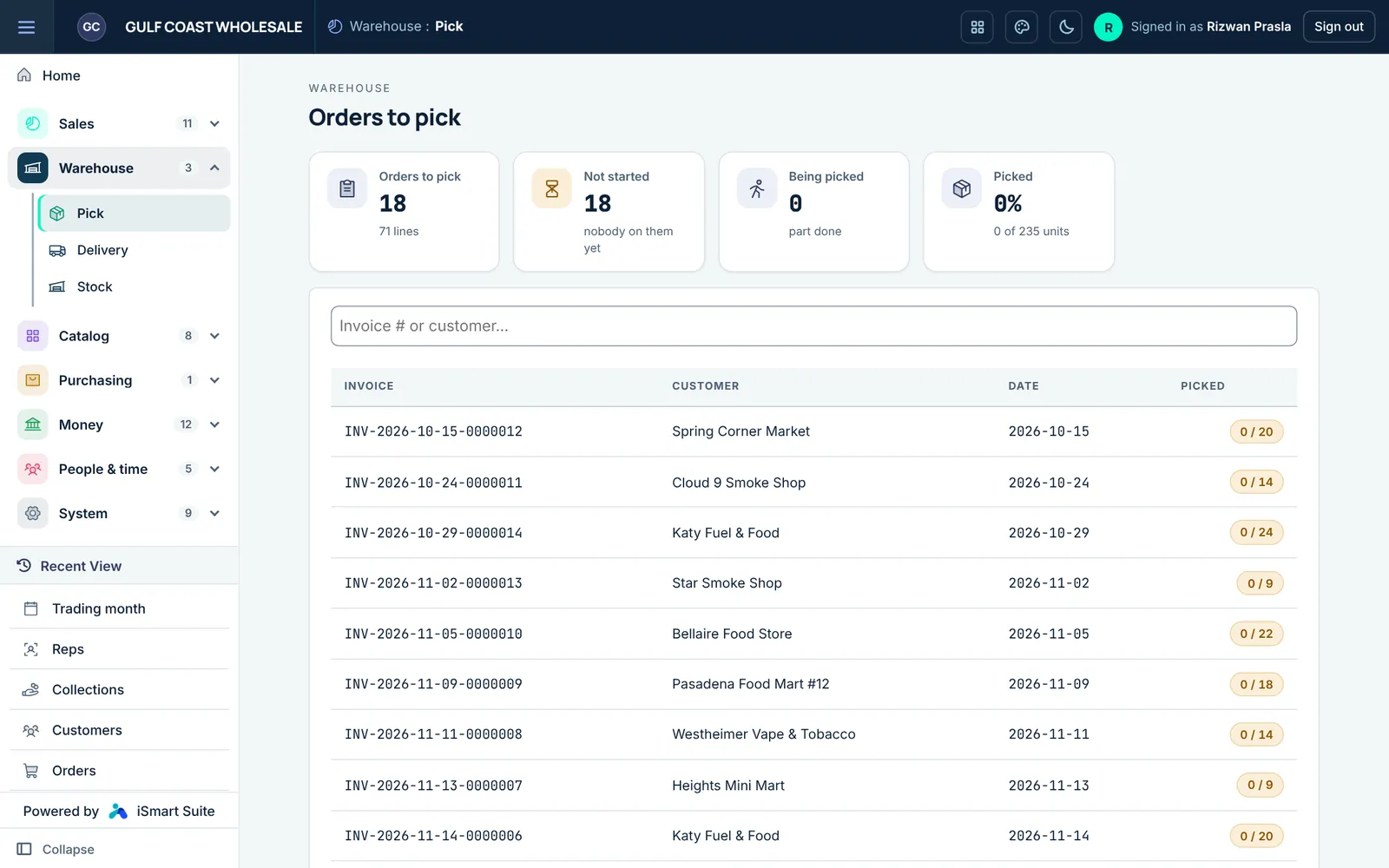
Warehouse → Pick The page is headed “Orders to pick”.
The warehouse’s work list: every invoice waiting to be picked.
What you do here
- See how many orders have not been started and how far along the rest are.
- Open an invoice and scan each item, or type the quantity picked.
- Print the pick list as a PDF.
- Record how many boxes went out when you pack it.
Usually used by Owner / AdminInventory managerWarehouse
Delivery
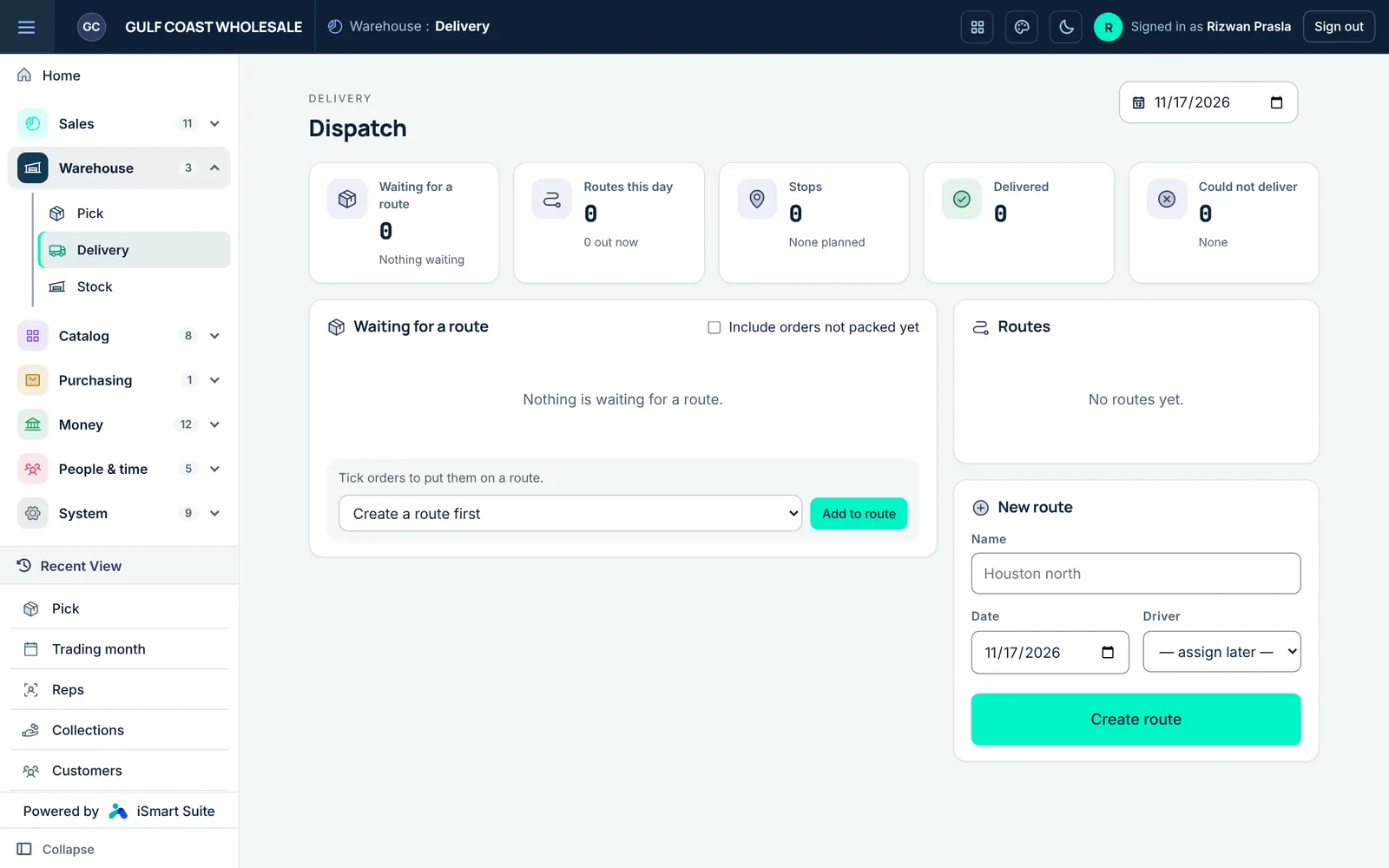
Warehouse → Delivery The page is headed “Dispatch”.
Turn packed orders into delivery routes. Drivers see only their own routes.
What you do here
- See what is waiting for a route.
- Create a route with a name, a date and a driver.
- Tick orders and add them to a route.
- Follow stops delivered and stops that could not be delivered.
Usually used by Owner / AdminSales managerDriver
My deliveries
Warehouse → My deliveries
A driver’s own screen on the phone: today’s route, one stop after another.
What you do here
- Open the route once the office has started it.
- Press Deliver at a stop, collect the signature, take a cash, check or money order payment, then press Delivered.
- Press Could not deliver if the store is closed or refuses, and say why.
Usually used by Driver
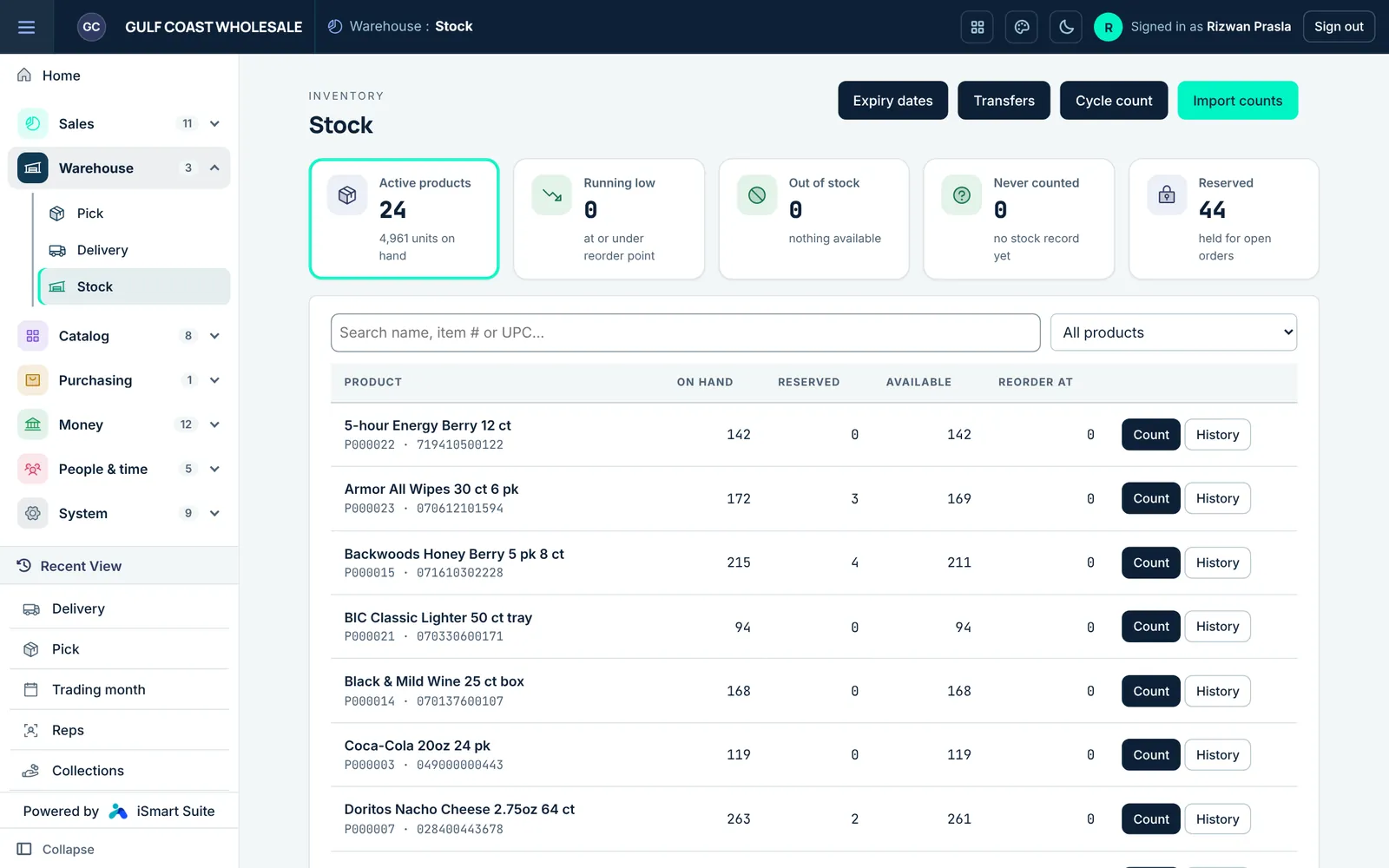
Stock
Warehouse → Stock
What is on hand, what is reserved for open orders, and what is free to sell.
What you do here
- Search by name, item number or UPC.
- Count one item, or open its history.
- Run a cycle count: a short daily list of the items that have gone longest without one.
- Open Expiry dates and Transfers, or import counts from a spreadsheet.
Usually used by Owner / AdminInventory managerSales managerWarehouseViewer