
Plan a delivery round
Put packed orders on a route, order the stops sensibly, hand it to a driver.
For: Owner / Admin, Inventory manager, Sales manager · about 6 minutes
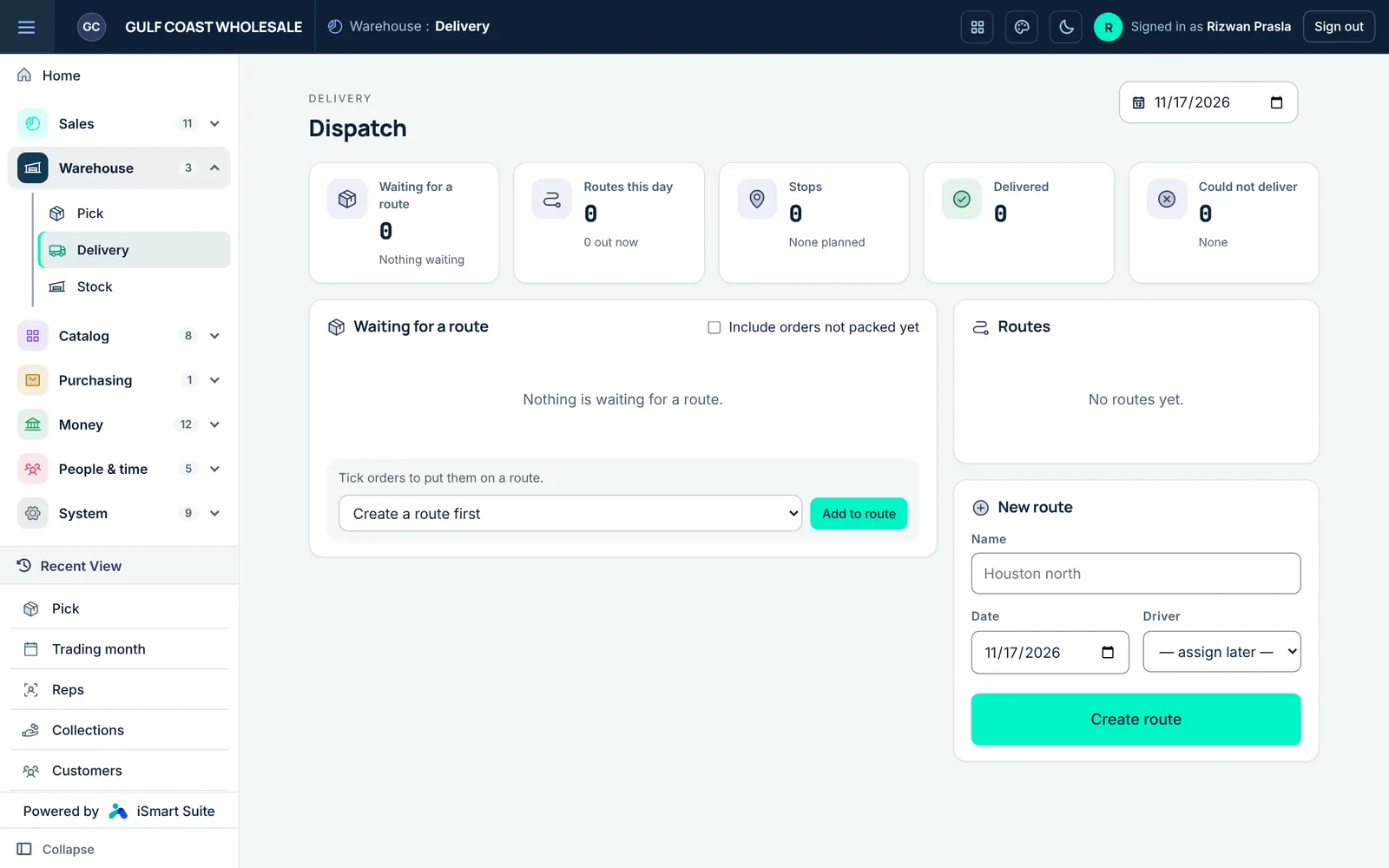
A round is a day's stops for one van. The system can reorder the stops to cut the distance driven — typically between a third and three quarters shorter than the order they were added in.
Step by step
Where:
Warehouse → DeliveryCreate a round for the date and pick a driver
Add packed orders to the round
Only packed orders appear here. If something is missing, it is still in picking.
Press Optimise
Reorders the stops to shorten the drive. It has never produced a longer route than the one it was given.
Send the round out
The driver sees their stops in order on their phone.
Watch out for
- A shop with no recorded position is put LAST and named, never dropped. Its position is learned the first time a driver marks it delivered from the kerb.
- A round that is already out is not reordered. The driver is halfway through it.
Questions about this
Where do the shop positions come from?
From the van. When a driver marks a stop delivered, the phone records where it was, and that becomes the shop's position. Your customer list is never sent to an outside mapping service to be turned into coordinates.
Does it use real road distances?
No — it orders the stops by straight-line distance, which is what makes it fast and free of any outside service. Maps then drives the order it was given.