Purchasing
Buying stock and booking it in. Vendors, purchase orders and receiving.
Buying
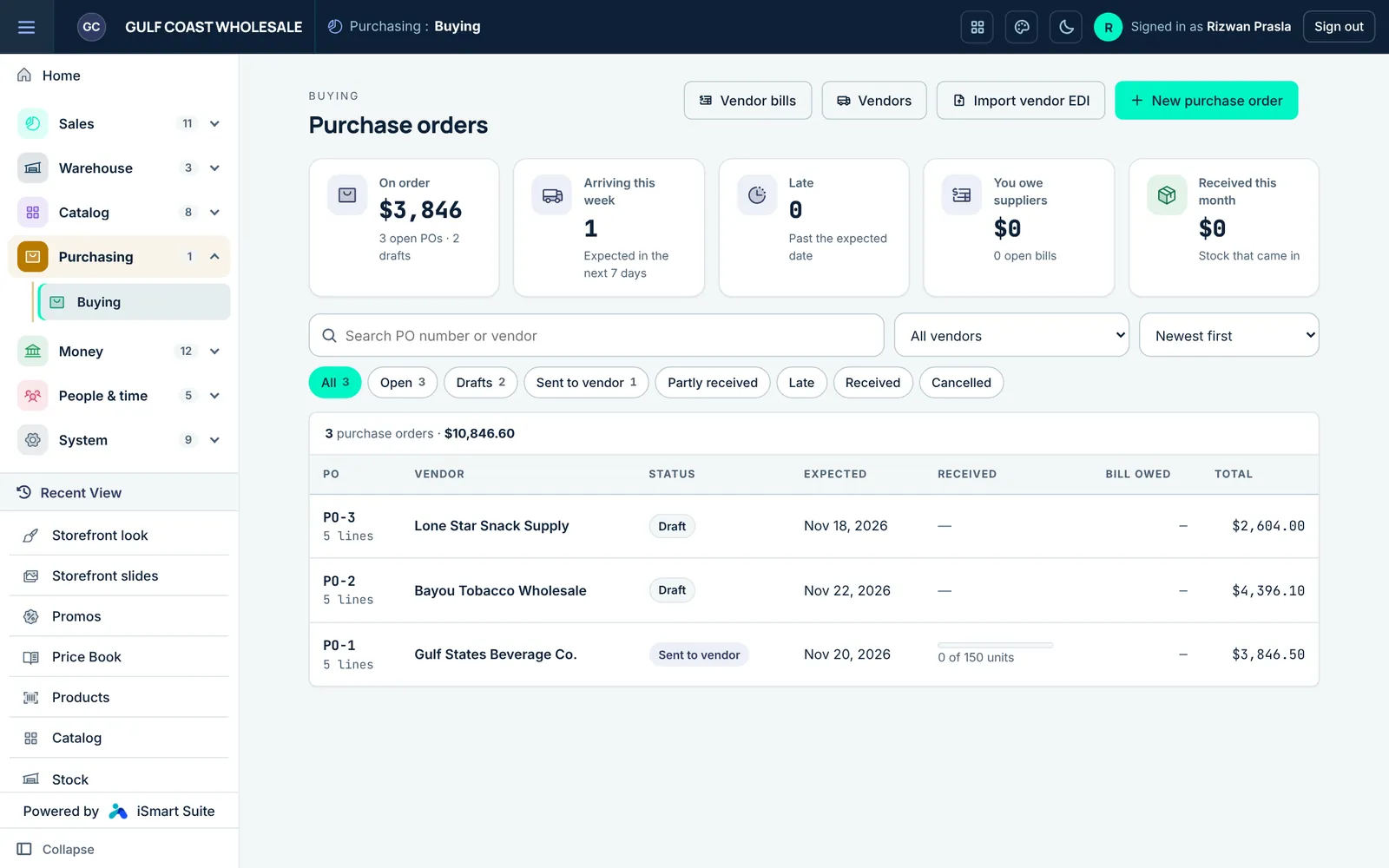
Purchasing → Buying The page is headed “Purchase orders”.
What you have on order, what is arriving, what is late and what you owe suppliers.
What you do here
- Raise a purchase order and send it to the vendor.
- Open it when the truck arrives, type what came in, and press Receive stock.
- Record a lot number and expiry date as you receive, if you track them.
- Open Vendors and Vendor bills, or import a vendor’s EDI file.
Usually used by Owner / AdminInventory manager