People & time
Your staff’s hours and pay. The time clock, timesheets, schedule, payroll and hiring.
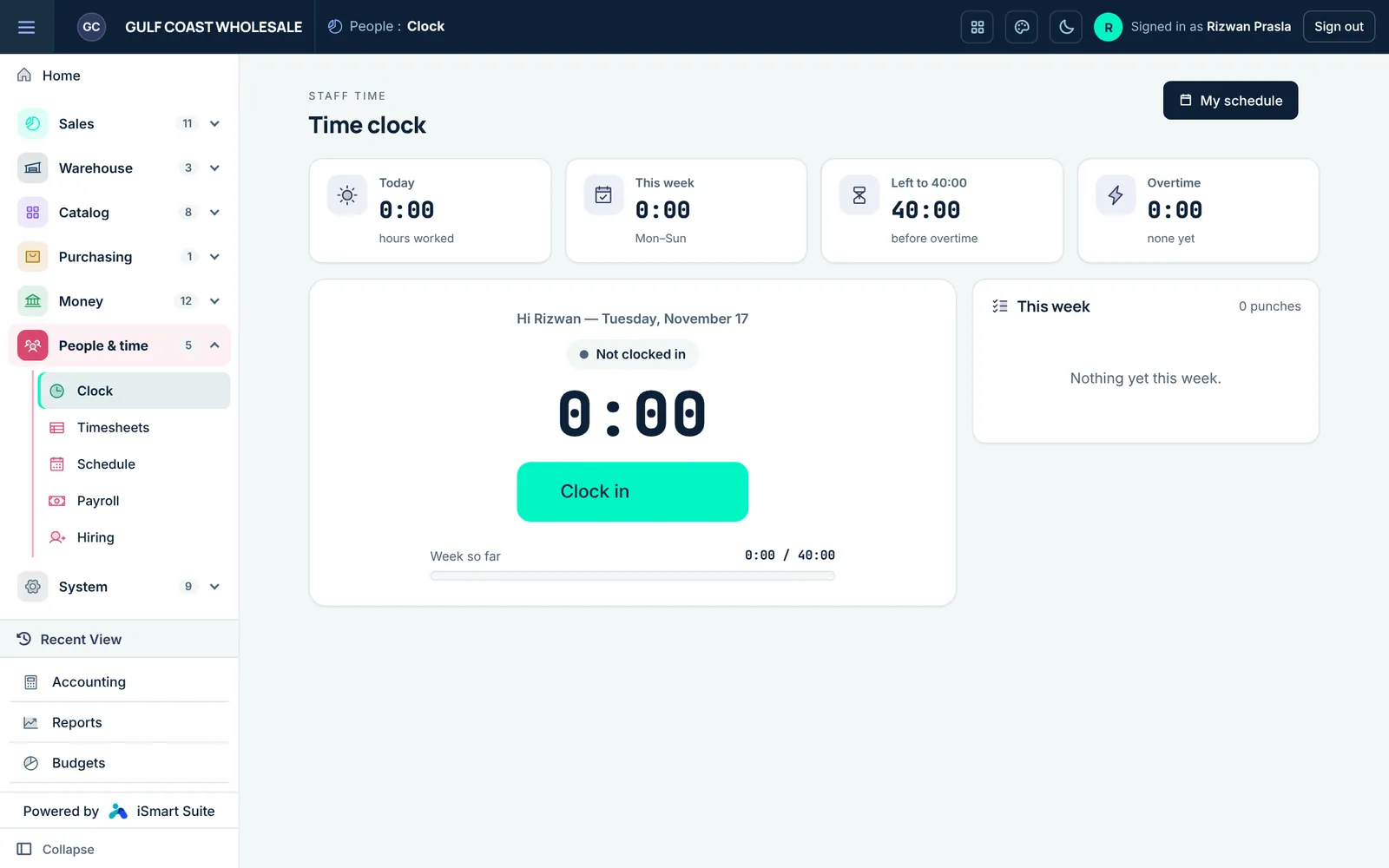
Clock
People & time → Clock The page is headed “Time clock”.
Clock in and out, and see your own hours.
What you do here
- Clock in and out with one button.
- See hours today, this week, and how far you are from 40.
- Open your published schedule.
Usually used by Owner / AdminInventory managerSales managerSales repCounter / cashierWarehouseDriverCustomer support
Timesheets
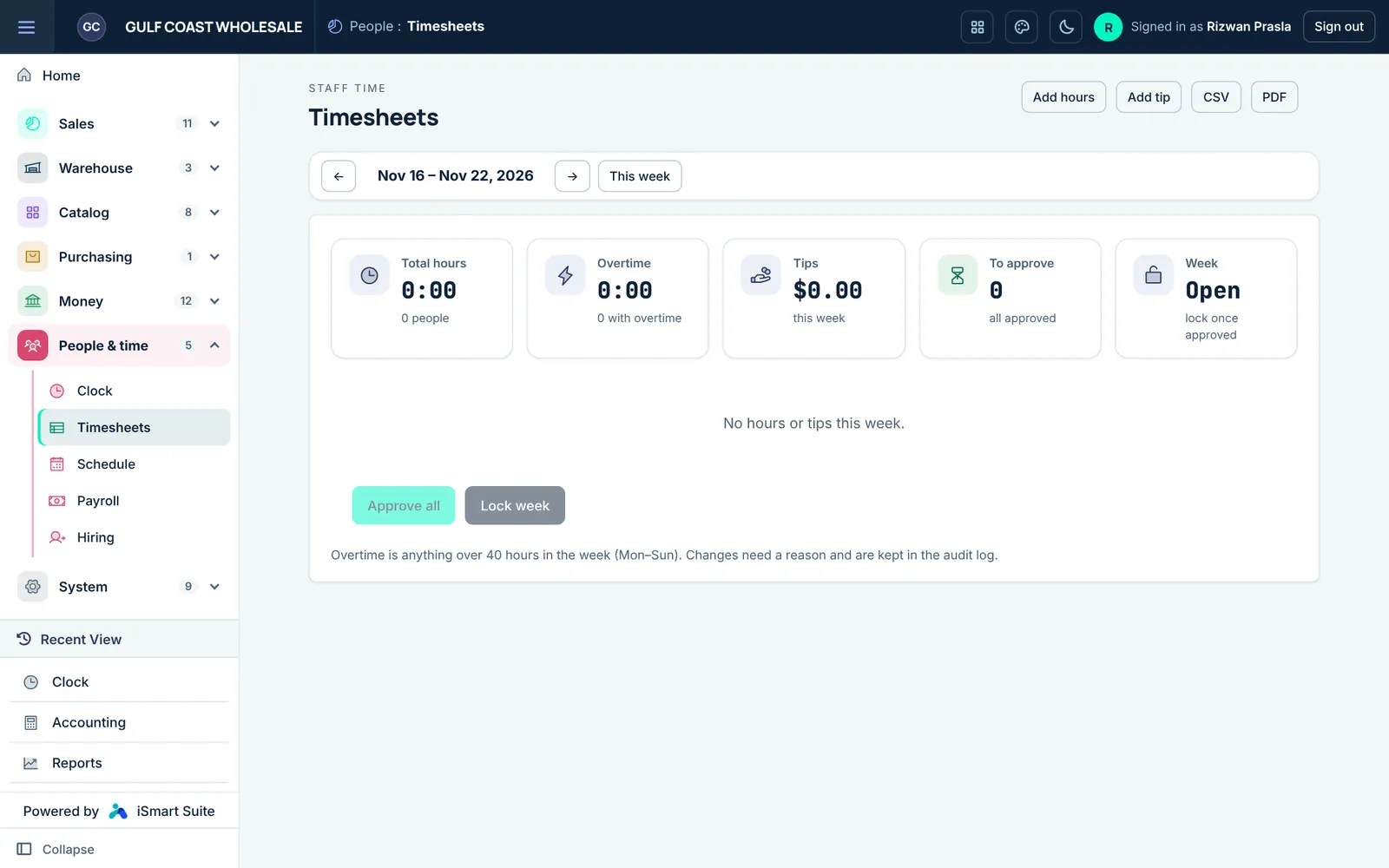
People & time → Timesheets
Everyone’s hours for the week.
What you do here
- Add hours or a tip by hand, with a reason.
- Approve the week, then lock it.
- Download as a spreadsheet or PDF. Overtime is anything over 40 hours, Monday to Sunday.
Usually used by Owner / Admin
Schedule
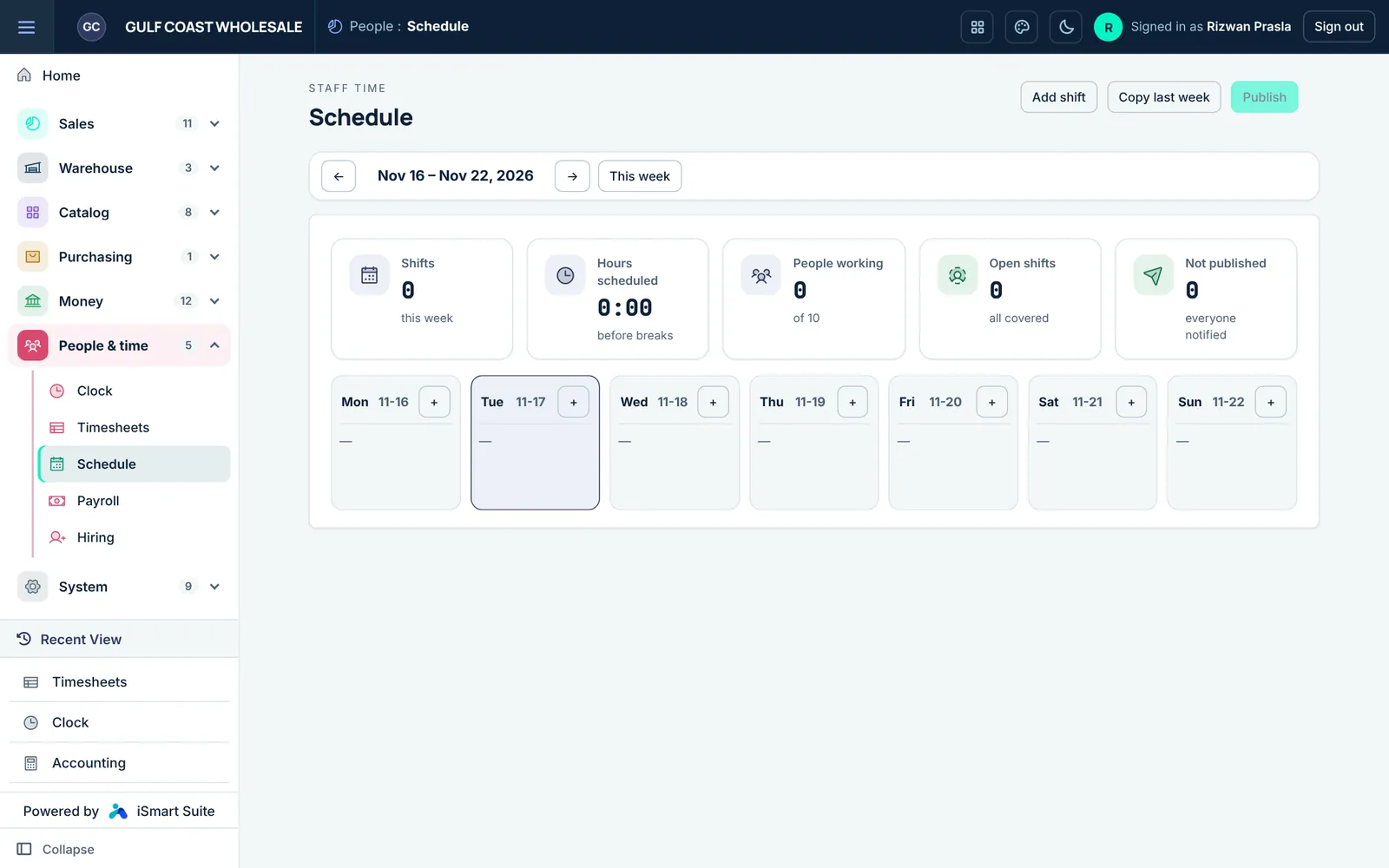
People & time → Schedule
Next week’s shifts.
What you do here
- Add shifts, or copy last week.
- Publish, so everyone can see theirs.
Usually used by Owner / Admin
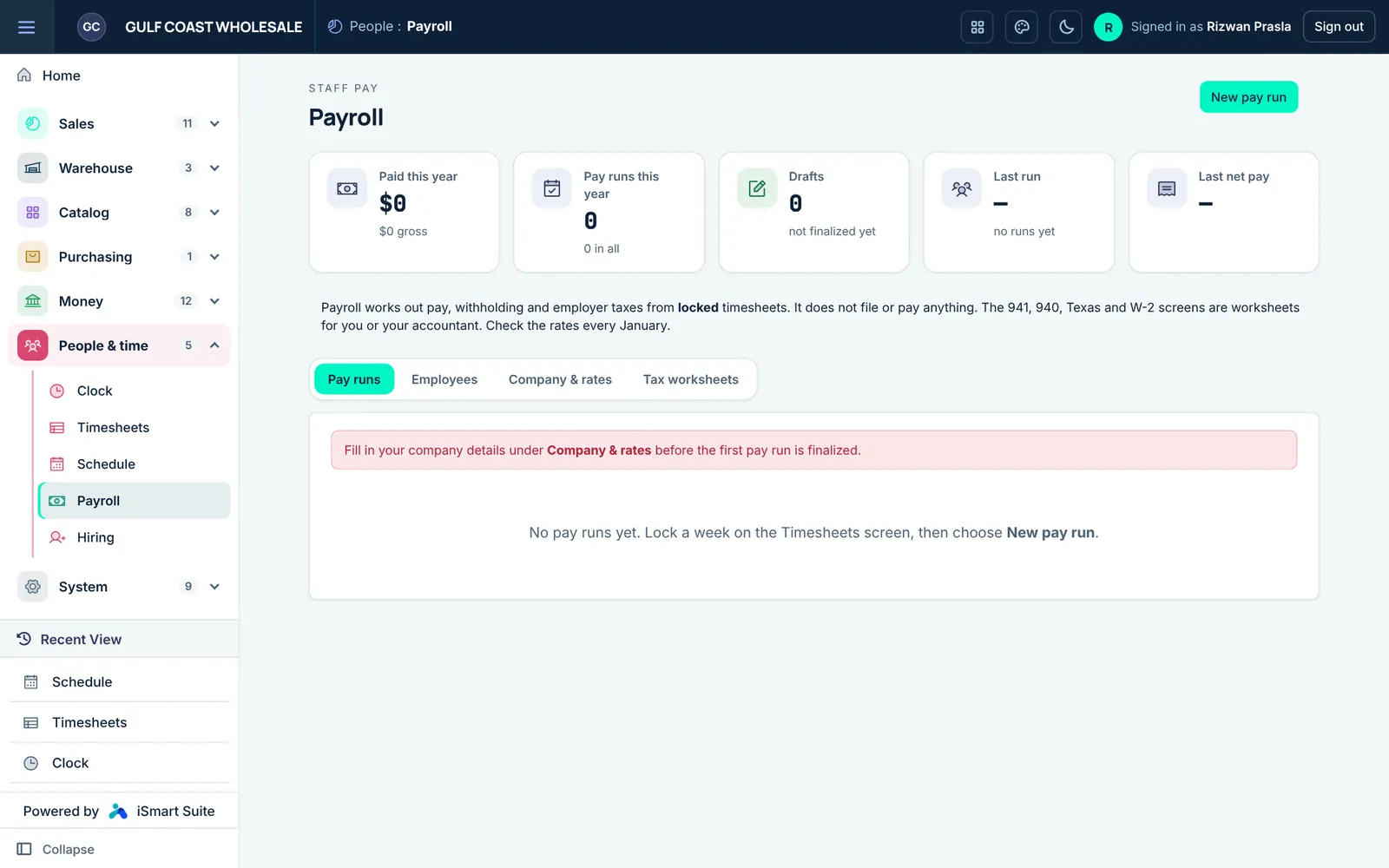
Payroll
People & time → Payroll
Works out pay, withholding and employer taxes from locked timesheets.
What you do here
- Enter company details and rates once.
- Start a pay run from a locked week.
- Print pay stubs and worksheets. It does not file or pay anything; the tax screens are worksheets for you or your accountant.
Usually used by Owner / Admin
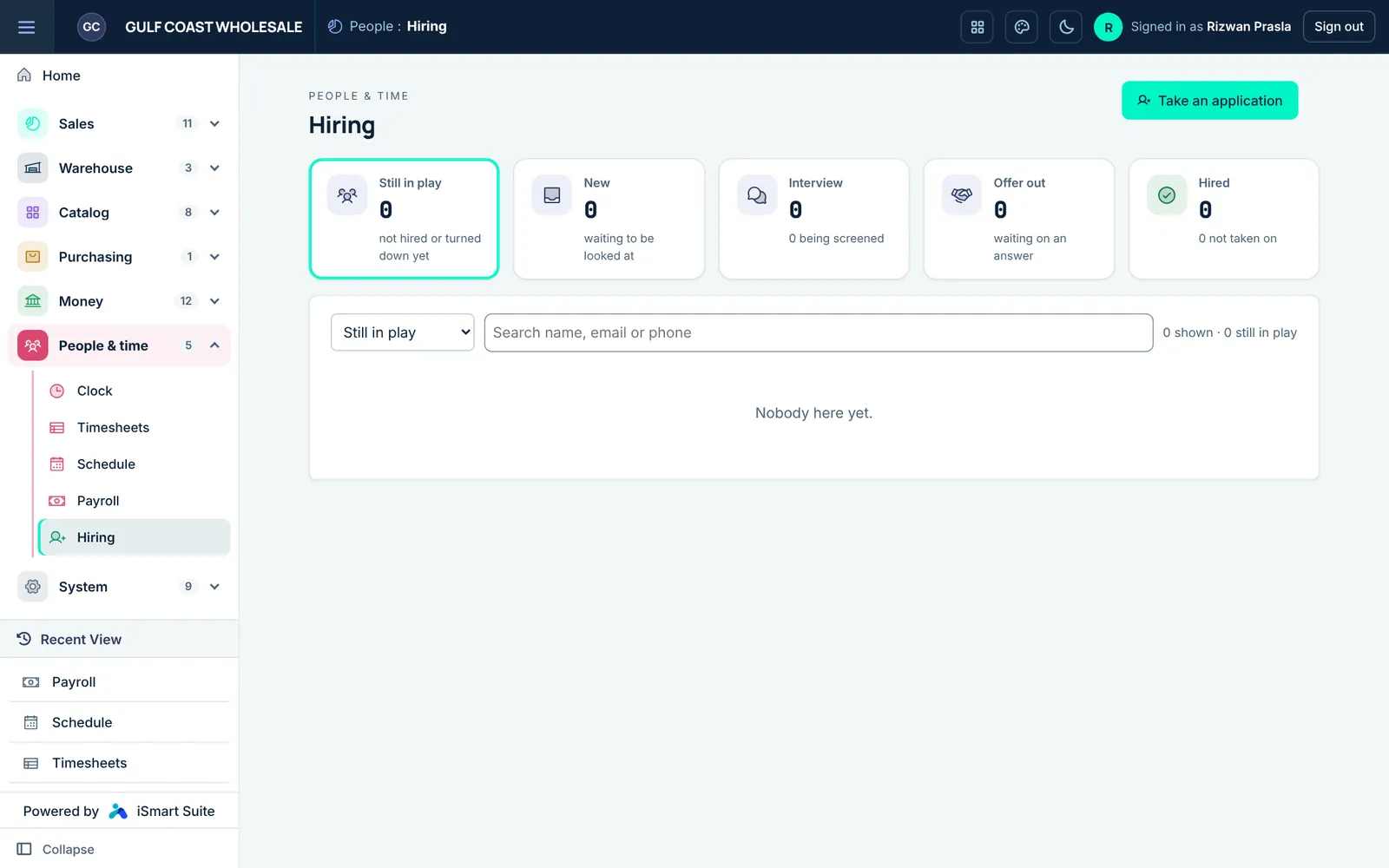
Hiring
People & time → Hiring
Job applicants and where each one stands: new, interview, offer out, hired.
What you do here
- Take an application.
- Move a person from stage to stage.
Usually used by Owner / Admin