Home
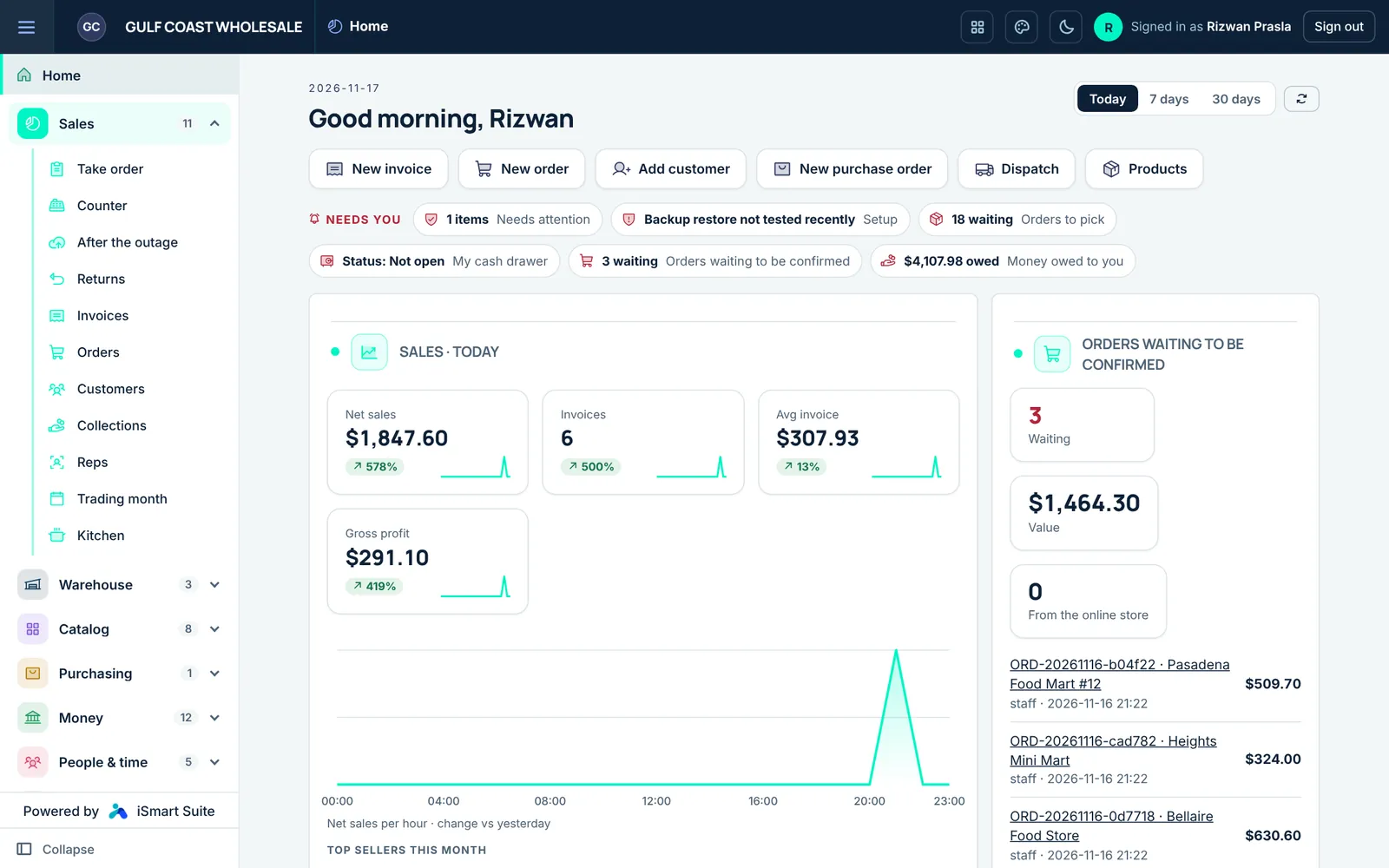
What needs you today, and how the day is going. The first screen after you sign in.
Home
Home The page is headed “Good morning”.
The dashboard. It opens on today and can switch to the last 7 or 30 days.
What you do here
- Start the common jobs from the buttons at the top: New invoice, New order, Add customer, New purchase order, Dispatch, Products.
- Read the “Needs you” strip: orders waiting to be picked or confirmed, a cash drawer that is not open, money owed to you, items overdue for a count.
- See net sales, invoice count, average invoice and gross profit, with sales by hour.
- Open any order that is waiting to be confirmed straight from the list on the right.
Usually used by Everyone