
Every screen, explained
The console is one menu down the left, in eight groups. This is all of it, in the order it appears: 59 screens, what each is for, who usually uses it, and what you do there.
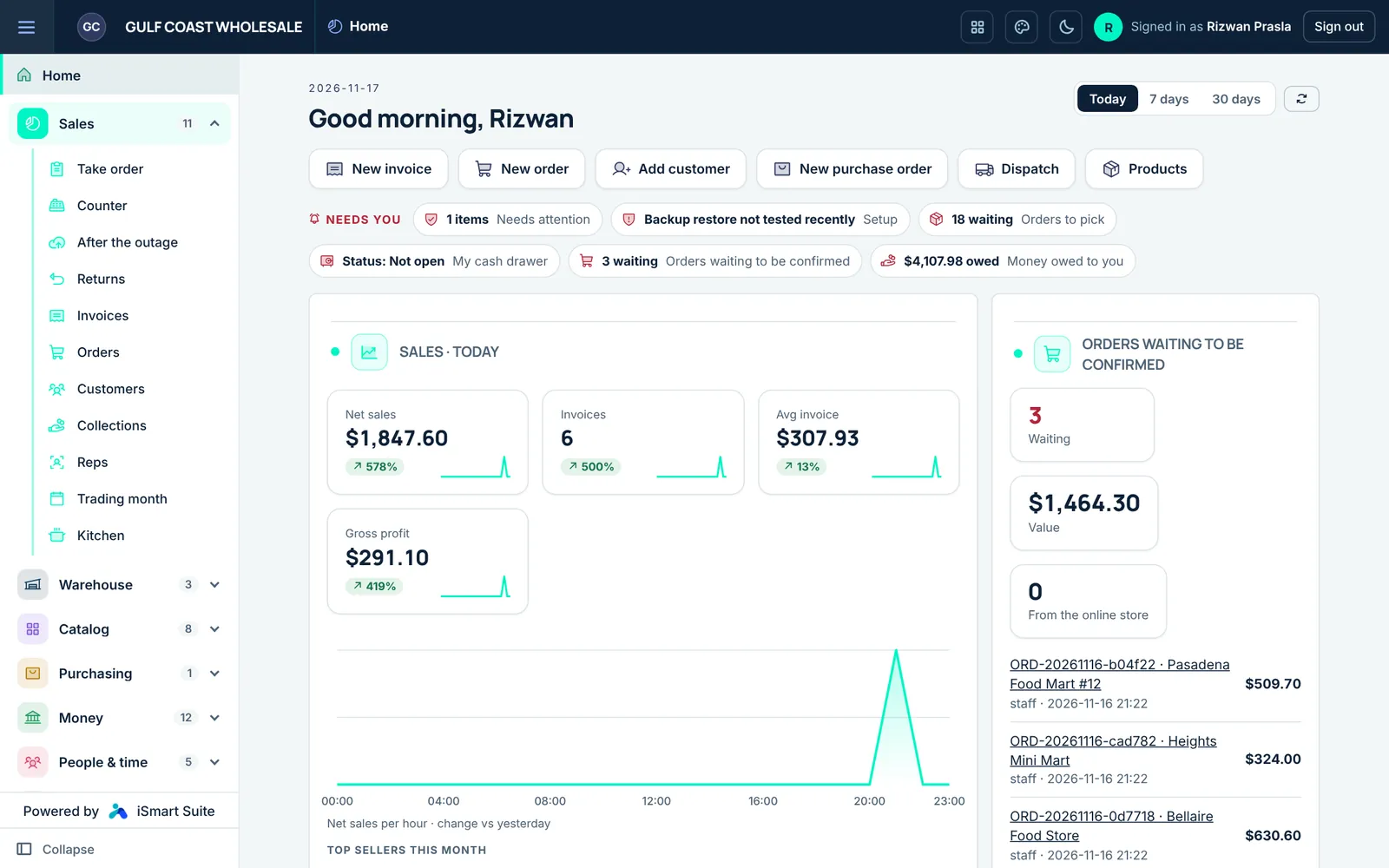
/admin on the end. Your customers order at the same address without it. More on signing in.Home
1 screenThe first screen after you sign in.
Sales
13 screensOrders, invoices, customers, the counter and who owes you.
Warehouse
4 screensPicking, delivery routes and stock.
Catalog
8 screensProducts, prices, promotions and how your online store looks.
Purchasing
1 screenVendors, purchase orders and receiving.
Money
15 screensCash drawers, expenses, tobacco records, reports and accounts.
People & time
5 screensThe time clock, timesheets, schedule, payroll and hiring.
System
12 screensSettings, users, roles, registers and the audit log.
Your menu may be shorter than this. You only see the screens your role allows, and a screen made for another kind of business, such as the kitchen screen, stays out of the way unless you turn it on.