
Send your figures to QuickBooks
Download invoices, bills, credit memos, payments and customers as files QuickBooks can import.
For: Owner / Admin · about 4 minutes
You keep selling here and your accountant keeps the books in QuickBooks. Once a period, you download a set of files and import them. Only posted invoices are included.
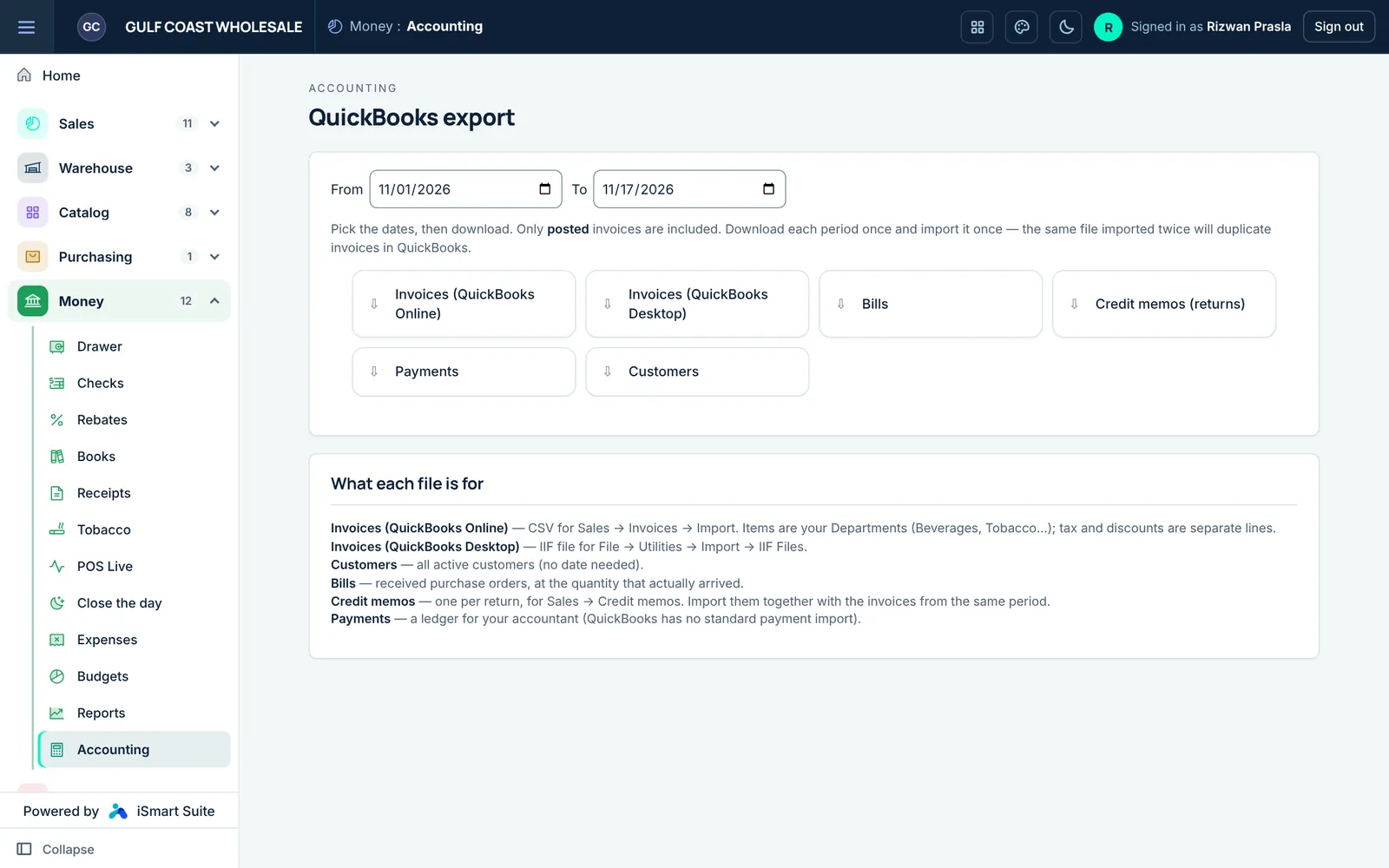
Step by step
Where:
Money → AccountingSet the From and To dates for the period
A month at a time is easiest to check.
Download Invoices, in QuickBooks Online or QuickBooks Desktop format
The Online file is a CSV; the Desktop file is an IIF. Items are your departments, with tax and discounts on their own lines.
Download Credit memos (returns) for the same dates
Import them together with the invoices from the same period.
Download Bills, Payments and Customers if your accountant wants them
Bills are received purchase orders at the quantity that actually arrived.
Watch out for
- Download each period once and import it once. The same file imported twice makes every invoice appear twice in QuickBooks.
- Draft invoices are not included. Post them first, or they will be missing from the period.
Questions about this
Do I have to use QuickBooks?
No. Money → Books is a general ledger with a journal, bank reconciliation and statements, for companies that would rather keep their books here.