
Let a customer reorder a previous order
One button rebuilds a past order at today's prices, and says what it could not include.
For: Owner / Admin, Sales manager, Sales rep, Customer support · about 2 minutes
Most wholesale ordering is the same list every week with small changes. "Order again" rebuilds a previous order into the basket so the customer adjusts rather than starts over.
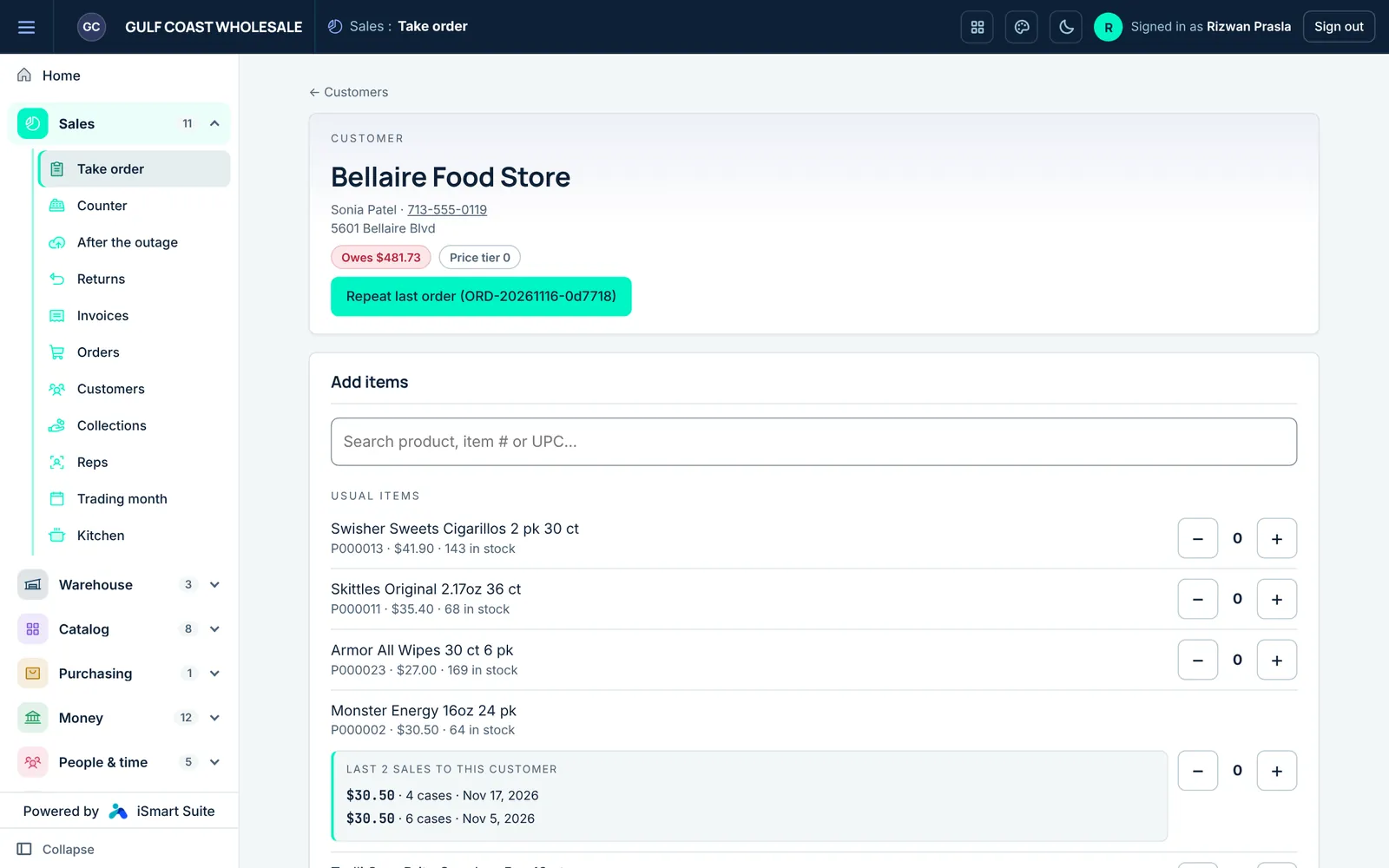
Step by step
Where:
the online shop → Orders → a past orderPress "Order again"
If the basket already has something in it, choose whether to add to it or replace it
Only the person looking at the screen knows whether a half-built basket was deliberate. Pressing it twice used to double every quantity.
Read the skipped list, then adjust quantities and place the order
Anything that could not be added — discontinued, hidden, out of stock — is listed with its reason and stays on screen until the order is placed.
Watch out for
- Prices are today's, not the old order's. A reorder of a promotional price will cost what the product costs now.
Questions about this
Why were some items left out?
Because they are discontinued, hidden, not yet on sale, or out of stock. Each one is listed with the reason, and the list stays visible until the order is placed rather than disappearing behind a popup.