
Bring your products, customers and history across
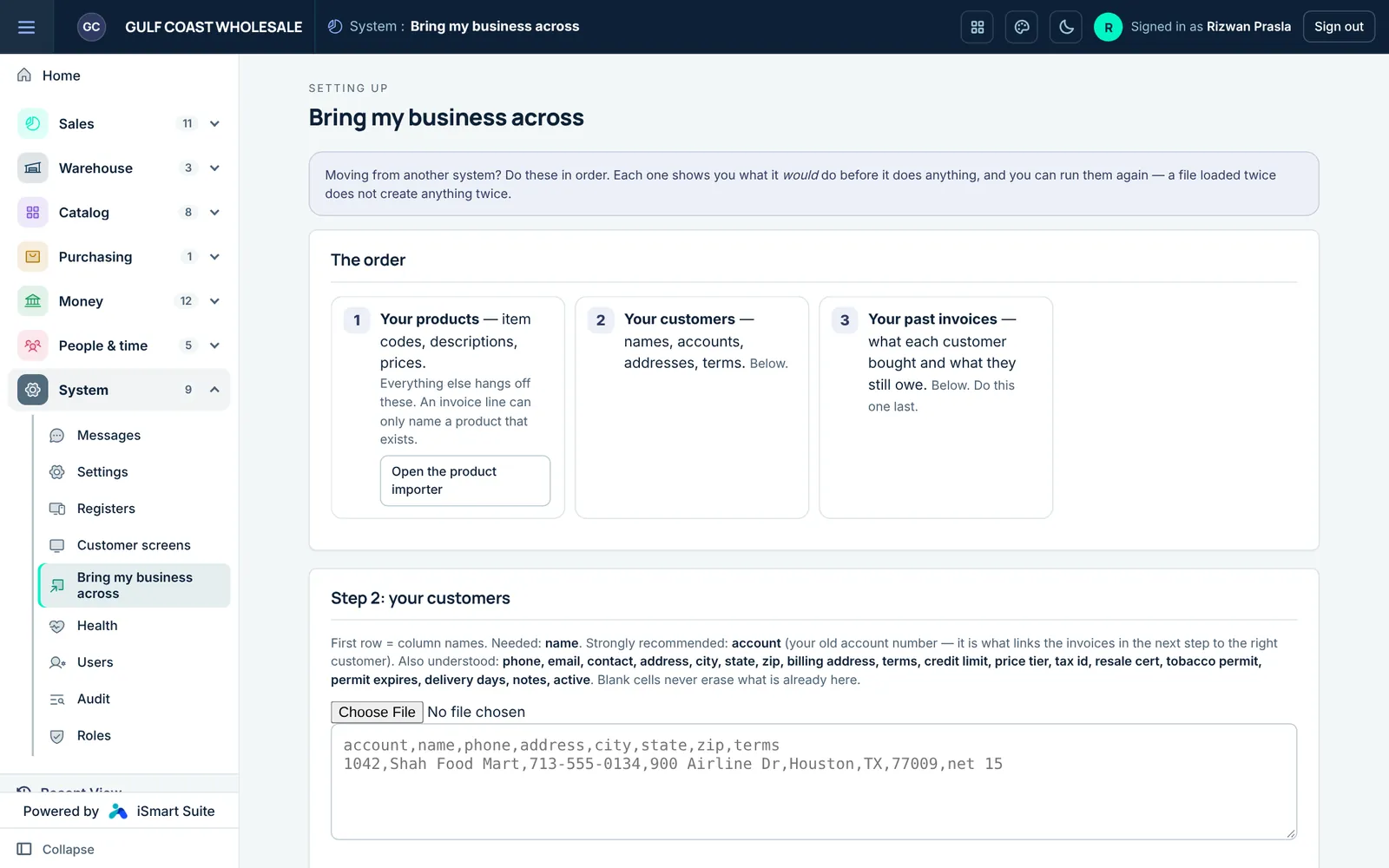
Move in from another system with three spreadsheets, in the right order.
For: Owner / Admin · about 10 minutes
Step by step
Where:
System → Bring my business acrossOpen the product importer and load your product spreadsheet
The first row must be the column names. Description and price are the only columns you must have; leave the item code out and codes are assigned for you.
Read the preview, fix the rows it flags, then apply it
A row whose UPC matches a product you already have updates that product rather than adding a second one.
Load your customer spreadsheet
Name is the only column you must have. Include your old account number as “account”: it is what links the invoices in the next step to the right customer.
Load your past invoices last
This gives each store its buying history and what it still owes you.
Watch out for
- A file can be loaded again safely. The same file loaded twice does not create anything twice.
- Blank cells never erase what is already there, so you can load a file that has only the columns you want to change.
- A product file can have up to 5,000 rows.